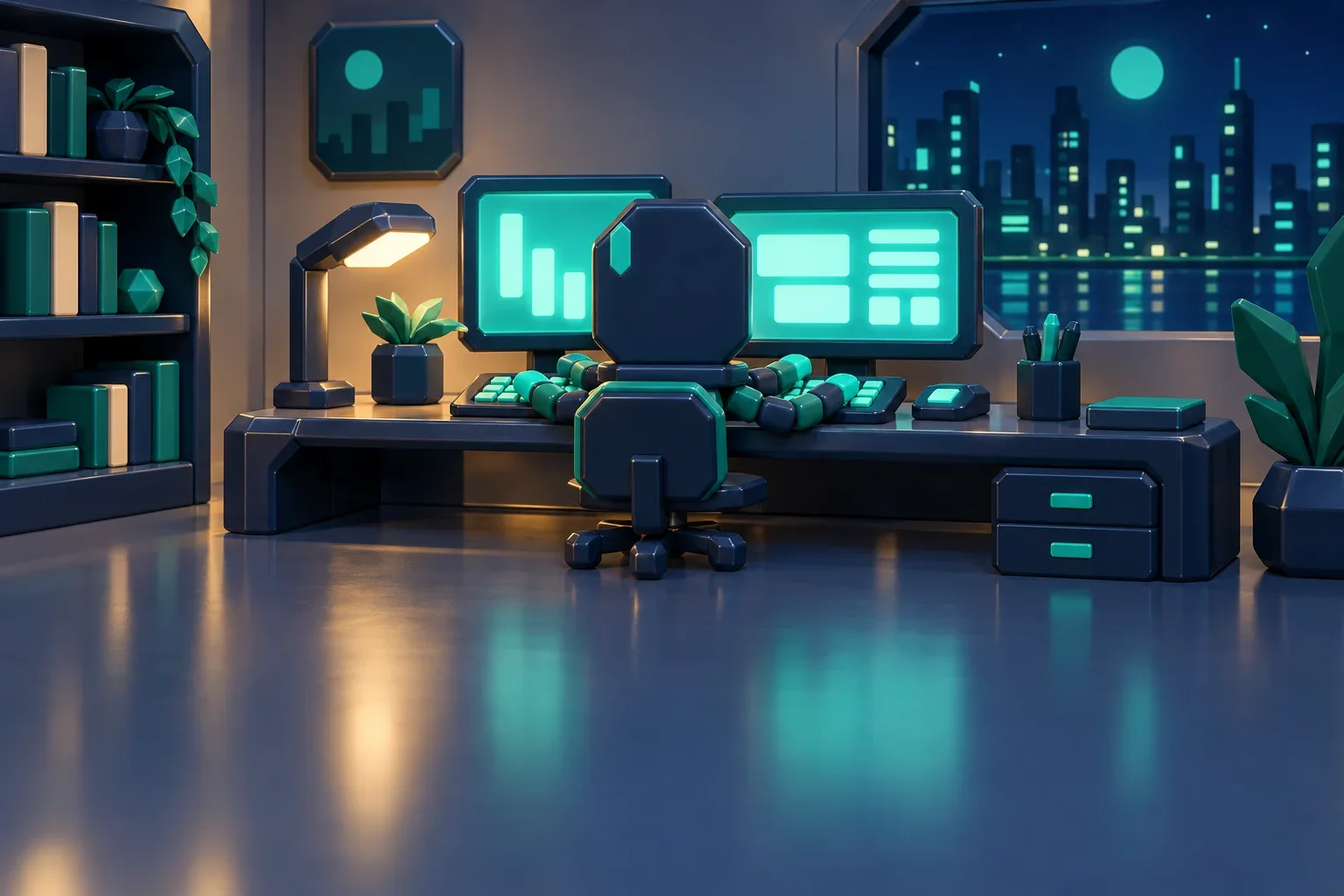
Workflow Template
New
Character Reference to Animation
Animate a character from its reference sheet — identity anchored to the image, motion directed from a plain-words brief.
IntakeScreenDirectAnimateArtifact
View Details
Describe the asset you need, choose a style and aspect ratio, and Esy runs the clip.art image workflow. The workflow resolves the provider prompt, generates the image with gpt-image-2, removes the background with birefnet-light when enabled, and returns a review-ready visual artifact.
Immutable template · v2026.05.16 — read the published contract.
How this workflow runs
Inside the workflow
Start with the subject, style, aspect ratio, and whether you want the background removed.
Esy turns the rough description into a structured image prompt the model can follow.
A friendly fox waving
A friendly fox waving, flat vector clip art, isolated object, clean edges, centered composition, no text.
The image is generated with gpt-image-2 using the transformed prompt and selected style.
When enabled, background removal creates a cleaner isolated asset for download or review.
The final result includes the image files plus the prompt, model, style, and run history.
From this workflow
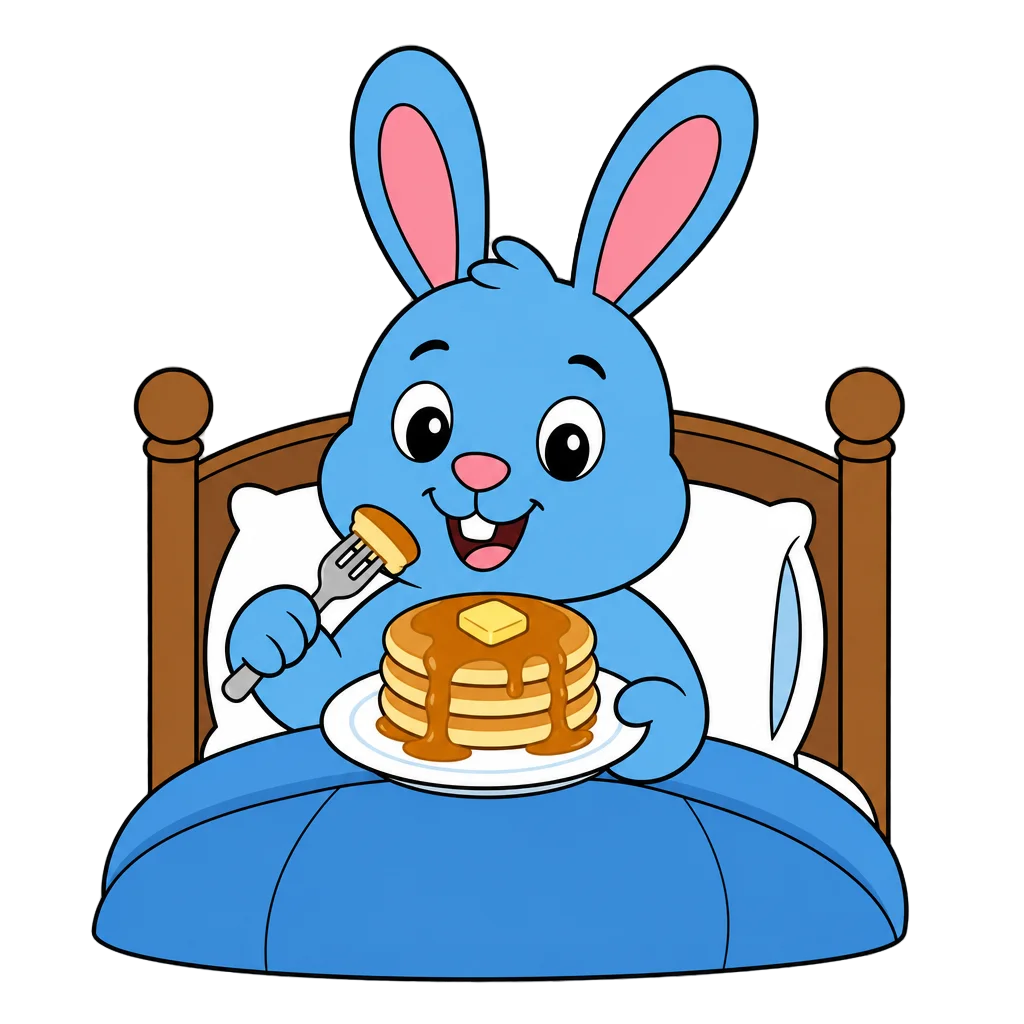
Bunny's Pancake Breakfast
Cartoon style with bold outlines and flat fills — generated via gpt-image-2, post-processed, and stored as an Esy artifact.

Sleeping Duckling
Chibi style with soft palette and clean transparent edges — runtime metadata captured for review.

Sleeping Chipmunk Family
Illustrated cartoon style with painterly shading — full provenance: prompt, model, R2 storage, and cost.